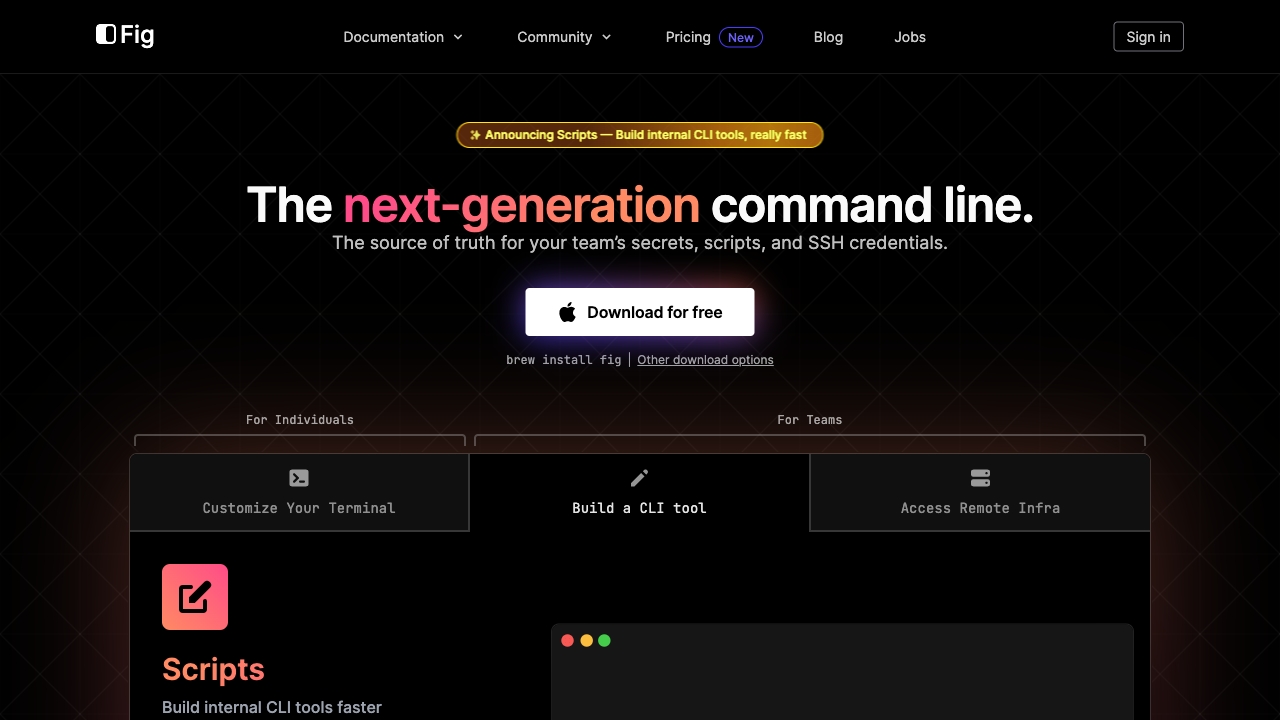
What is Fig?
Fig was a versatile command-line tool designed to streamline technical tasks for developers and system administrators. It enhanced productivity through automation and an intuitive interface, serving as a bridge between complex commands and user-friendly interaction.
How to use Fig?
To use Fig, install the tool and customize your command-line experience. Access its extensive command library to automate routine tasks. Create shortcuts for frequently used commands and navigate seamlessly through your existing command-line tools.
Core features of Fig?
Fig offered powerful script automation, command-line expansion for quick access to common commands, and an extensive library of code snippets. These features saved time while improving accuracy and consistency in technical workflows.