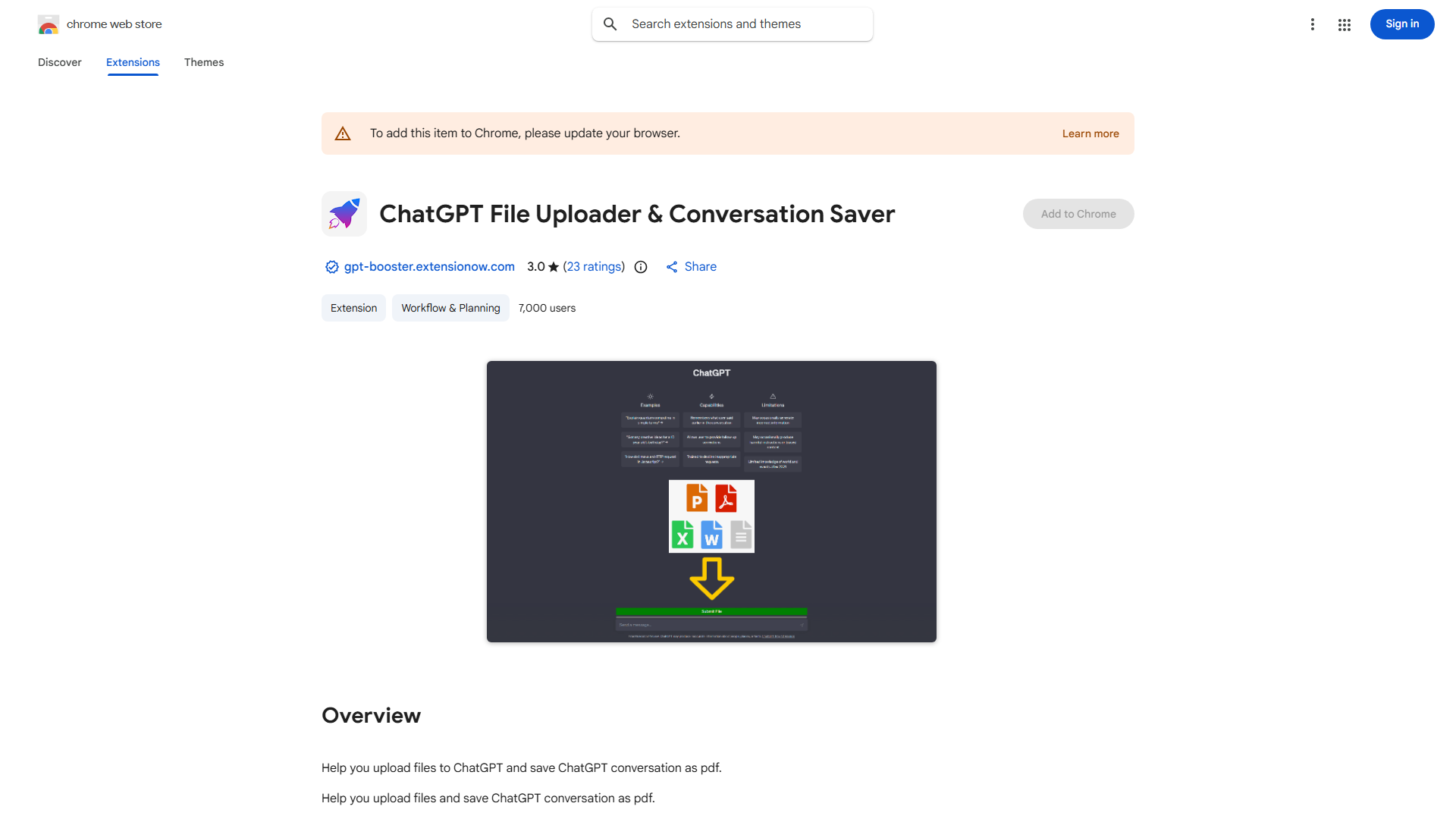
What is ChatGPT File Upload Tool?
This Chrome extension revolutionizes file handling on ChatGPT by enabling seamless upload and processing of large documents. It's designed for professionals and students who need to share research data, code repositories, or extensive reports without size limitations.
How to use ChatGPT File Upload Tool?
Install the extension from the Chrome Web Store. Navigate to ChatGPT and click the extension icon. Select your file, adjust settings if needed, and upload. The tool processes your file, making it accessible for analysis or discussion within ChatGPT.
Core features of ChatGPT File Upload Tool?
- Secure file handling with encryption
- Intuitive drag-and-drop interface
- Seamless ChatGPT integration
- Support for multiple file formats
- Batch file processing capability